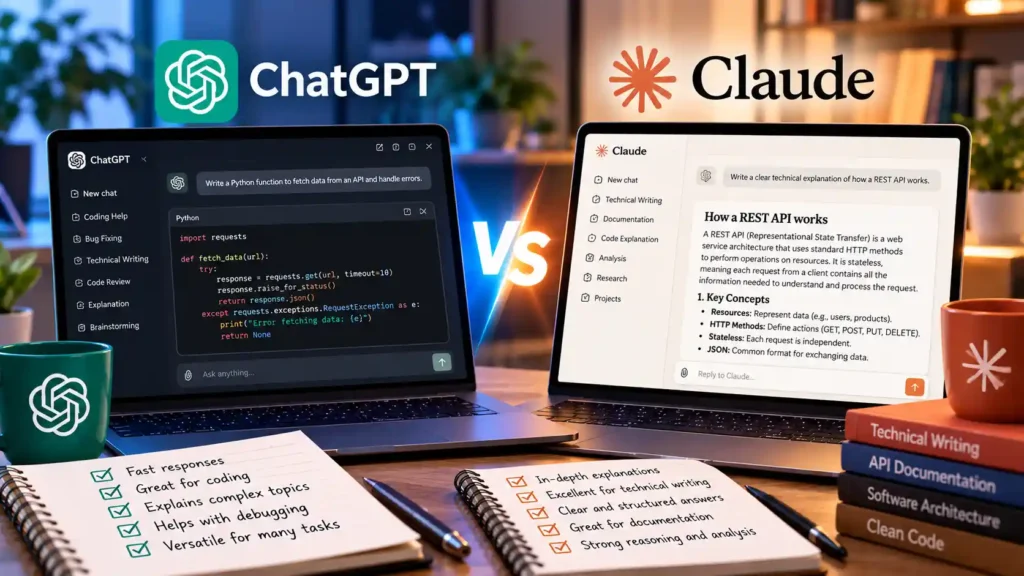
Both OpenAI’s ChatGPT and Anthropic’s Claude are widely used for software engineering, debugging, and technical documentation. Rather than declaring a single universal winner, choosing the right assistant depends on your workflow requirements, context length needs, and privacy settings.
Core Feature Comparison
| Feature | ChatGPT (OpenAI) | Claude (Anthropic) |
|---|---|---|
| Interactive Workspace | Canvas (side-by-side document and code editing) | Artifacts (live HTML/SVG/React rendering and code previews) |
| Built-In Web Search & Code Execution | Native web search and Python data analysis sandbox | Web search and client-side JavaScript analysis tool |
| Project Knowledge Organization | Projects and Custom GPTs | Projects with persistent custom instructions and file context |
When to Choose ChatGPT
- You frequently need a server-side Python environment to parse spreadsheets, generate charts, or transform uploaded CSV/JSON files.
- You rely on multimodal voice mode or image generation within the same conversation thread.
When to Choose Claude
- You are refactoring larger multi-file codebases and want to pin reference documentation inside a dedicated Project context.
- You want instant visual previews of frontend UI components, Mermaid diagrams, or SVG graphics via Artifacts.
Data Privacy and Model Training Settings
Before pasting proprietary code or internal documentation into either consumer web app, review your account’s data controls:
- In ChatGPT, open Settings → Data Controls and disable Improve the model for everyone if you do not want your chats used for training.
- In Claude, verify your privacy preferences under Settings → Privacy or use commercial API/Team tiers that exclude customer prompts from model training by default.